Lobster
Control a lobster in an immersive 3d environment for completing awesome tasks!
Core trick
Walking into a 3D counter triggers a mapped shell command for the OpenClaw CLI, such as dashboard, status, or gateway control.
Tags
Description
Control a lobster in an immersive 3d environment for completing awesome tasks! Lobster is a 3d console to interact with your lovely OpenClaw bot easily and lazily.
README excerpt
# 🦞 Lobster Console 🎮 A playful extension that provides an immersive 3D game environment where you control a lobster in an office lobby. Walk to different command counters and execute terminal commands by interacting with them! > **Status**: ✅ Built and Ready to Launch! ## 🎮 Features - **3D Game Environment**: Explore an office lobby with transparent glass walls as a lobster - **Five Command Counters**: Each counter executes different terminal commands - **📊 Dashboard**: Opens OpenClaw dashboard (`openclaw dashboard`) - **✓ Checker**: Checks OpenClaw package status and updates - **🔧 Setup**: Configuration submenu (Onboard, Pair up, Doctor, Fix, Console) - **🌐 Gateway**: Gateway management submenu (Run, Status, Start, Stop, Restart) - **🚪 Terminal**: Opens Magnet terminal (`ggc oc`) - **Interactive Gameplay**: Walk around, discover counters, press E to execute commands - **VSCode Integration**: Commands execute directly in VSCode's integrated terminal 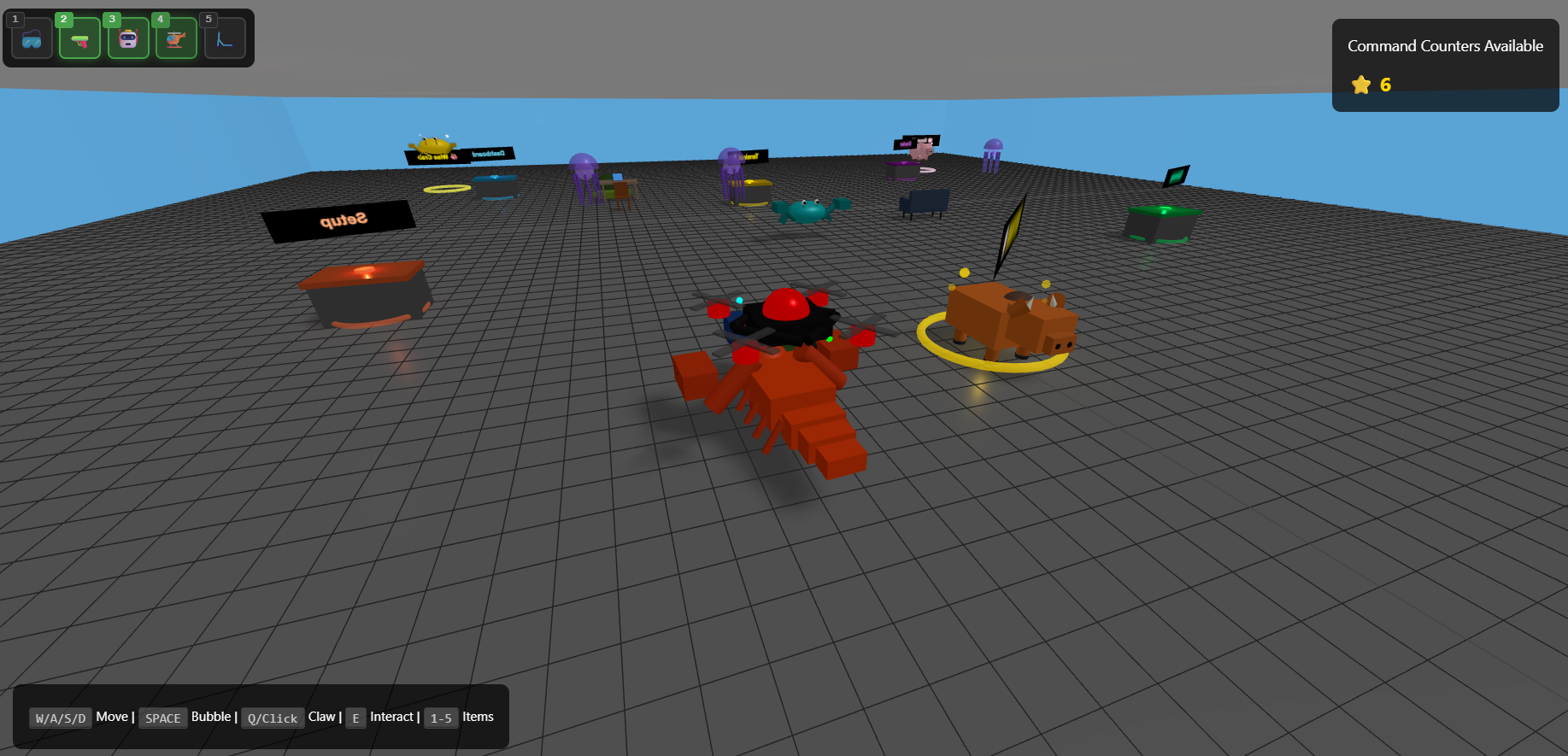 ## 🚀 Quick Start ```bash cd lobster npm install npm run compile ``` Then press **F5** in VSCode to launch the extension! ## 🎯 How to Use 1. **Launch**: Press **F5** to open Extension Development Host 2. **Open Game**: Click the 🦞 Lobster icon in the status bar (bottom right) 3. **Move**: Use **WASD** or arrow keys to walk around 4. **Camera**: Drag mouse to rotate, scroll to zoom 5. **Interact**: Walk near a cou