Scroll Scout - Multimodal research assistant
Content marketers spend several hours doomscrolling social media to understand trends, but yep miss out.
Core trick
Browser agents scroll Instagram and YouTube feeds, then multimodal models score posts and generate trend summaries.
Description
Content marketers spend several hours doomscrolling social media to understand trends, but yep miss out. But, here is the thing doomscrolling isn't the real value add of content marketing but its their ability to be creative based on their understanding of the market.
ScrollScout doomscrolls video/image platforms such as instagram/youtube and uses a combination of browser agents and multimodal AI to understand what winning posts/videos at scale like never before.
Marketers/market research and brand managers can study markets and people at scale like never before.
Last, but not the least but can also use the analysis to create winning content.
README excerpt
# Doomscroller AI-powered Instagram trend analyzer and content generator built with Google Gemini, Browser Use, and FastAPI. ## Demo [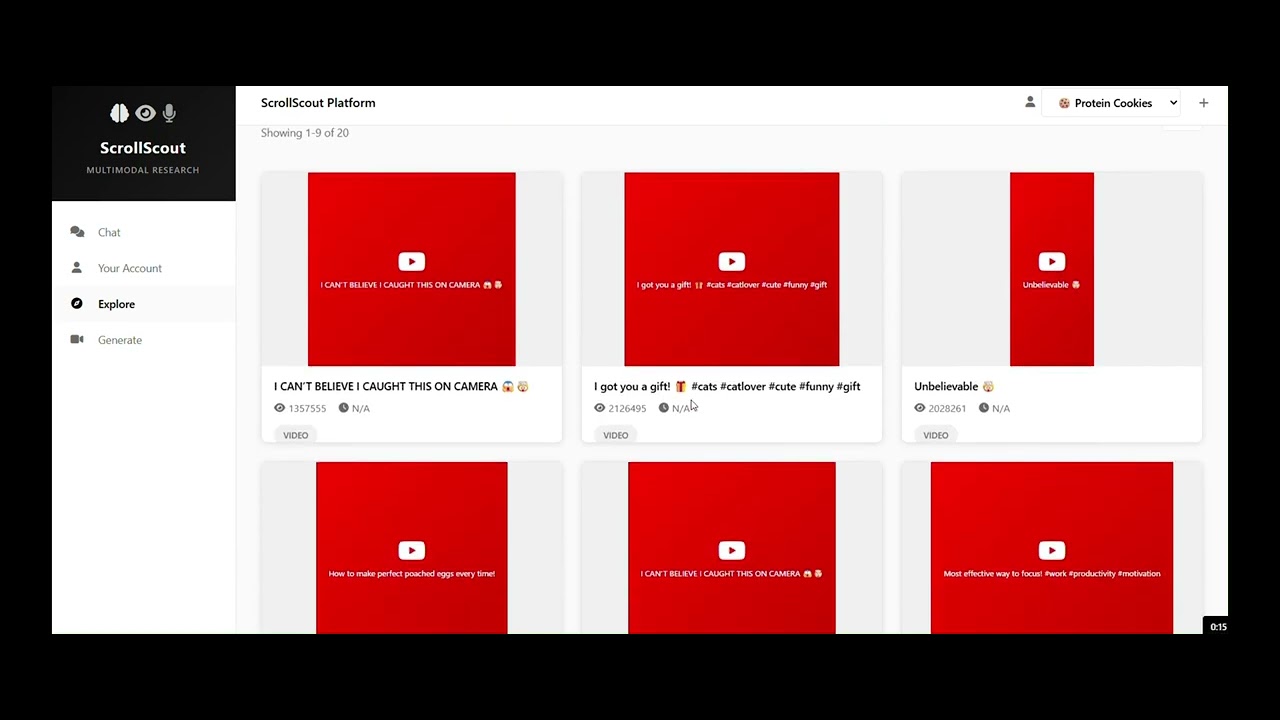](https://www.youtube.com/watch?v=_6hufBXX58k) ▶️ **[Watch the demo on YouTube](https://www.youtube.com/watch?v=_6hufBXX58k)** ## What it does - **Scrapes Instagram Explore** - Automated browser agent logs in, scrolls through Explore, and extracts posts - **Scrapes specific accounts** - Playwright-based scraper for targeted account analysis - **Analyzes trending content** - Uses Gemini to analyze engagement, hashtags, visual styles, and content patterns - **Generates images** - Create images with Gemini 2.5 Flash Image - **Generates videos** - Create videos with Veo 3 (with native audio) - **Web dashboard** - FastAPI app with project management, chat interface, and content generation ## Quick Start ### 1. Install dependencies ```bash pip install -r requirements.txt ``` ### 2. Set up environment variables Create a `.env` file: ```bash GOOGLE_API_KEY=your_google_api_key INSTAGRAM_USERNAME=your_username INSTAGRAM_PASSWORD=your_password ``` ### 3. Run the web app ```bash python app.py ``` Open http://localhost:8000 ### 4. Or run CLI analysis ```bash # AI agent explores Instagram Explore page python main.py python main.py --account acc_12345 # Save to specific account folder # Scrape specific Instagram accounts python instagram_account_scraper.py --account